Skip to content

2024

Latest spot age at a glance

This entry is based on a converted groups.io post, put here for any documentation value.

Update,

Dashboard simplifies the "Updated" and "Spot age" indicators with easier to understand values.

(new view)

The "Updated":

  • eliminates the date (it's today)
  • calculates how long until the next update, refreshed each minute

The "Spot age":

  • used to calculate (time now) - (timestamp of the latest regular message)
    • this is annoying because it's always at least 5 minutes old
      • (because we have to wait to receive it)
  • this is now changed to something easier to understand -- "Since last seen"

The "Since last seen":

  • shows you how many minutes ago a search was performed that found a new spot
    • if you're under 10 minutes old, your spots are current
    • if you're over 10 minutes old, missing spot
  • updated each minute
  • also eliminates the "0 days, 0 hours, ..." prefix if all zero durations

Basically the change is meant to

  • reduce visual clutter
  • make the values directly useful, no mental math required

Thanks.

Doug
Latest spot highlighting

This entry is based on a converted groups.io post, put here for any documentation value.

Update,

The map can now highlight your latest spot for you.

For those with long flights, who leave the map open and occasionally check for their latest updates, finding the latest location of your balloon can be challenging amongst all the spots.

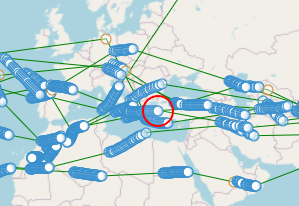
The headline banner talking about your latest spot has now been upgraded. Hover your mouse over it, and a red circle will appear on the map over your latest spot.

Which is the latest?

Now there is a solution.

Hover over this text:

Circle appears:

A refresh of the page will activate this feature.

Thanks.

Doug

Toggle map lines

Update,

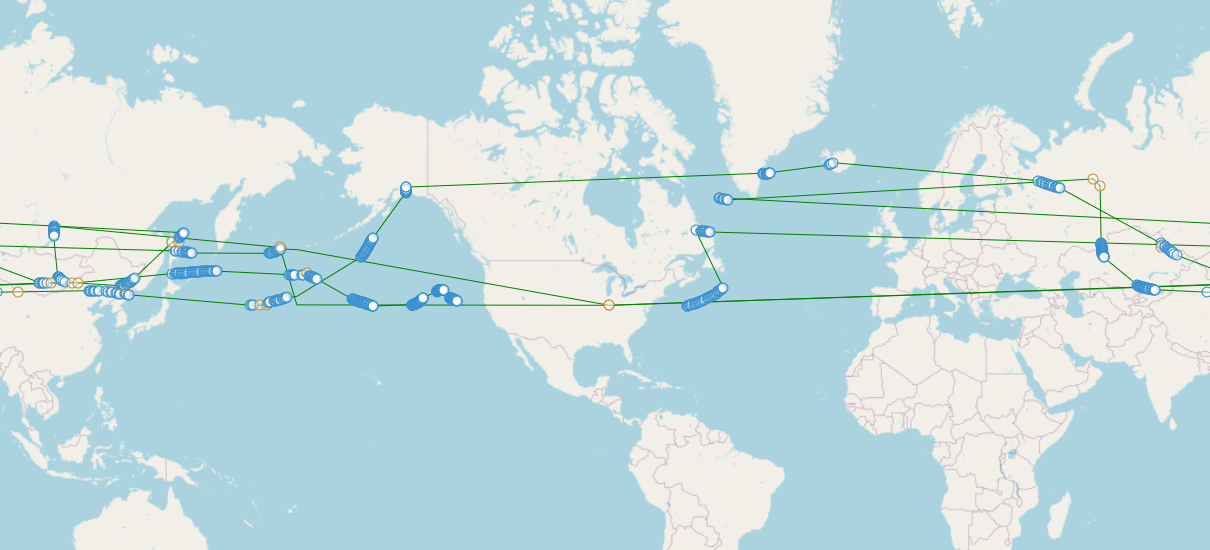
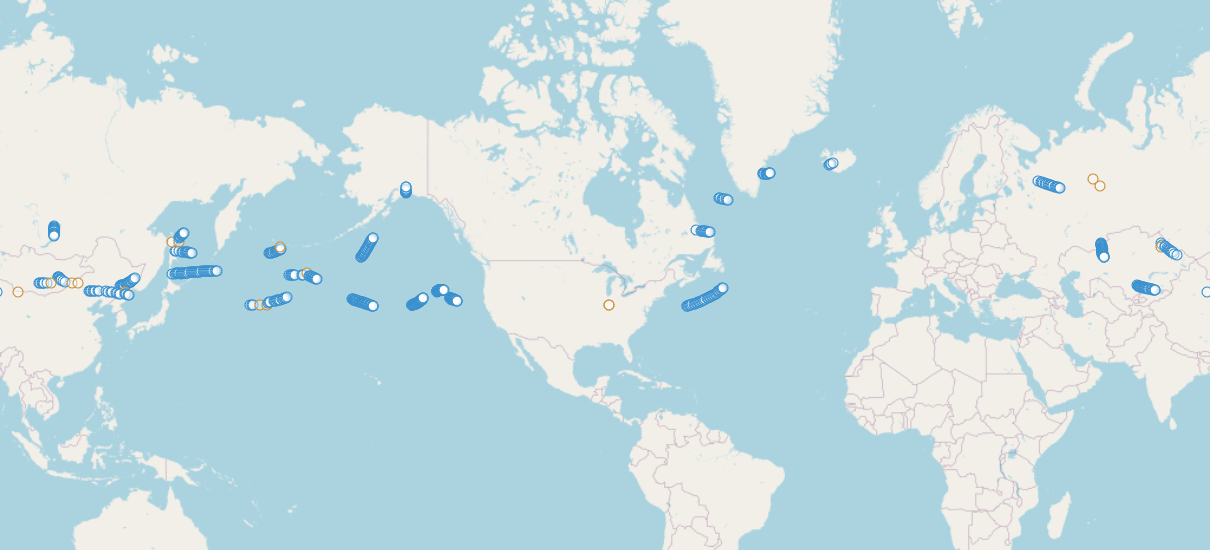
Map now allows you to turn on/off the lines connecting spots.

Toggled on:

alt text

Toggled off:

alt text

The toggle is the "L" button in the upper-right hand corner.

alt text

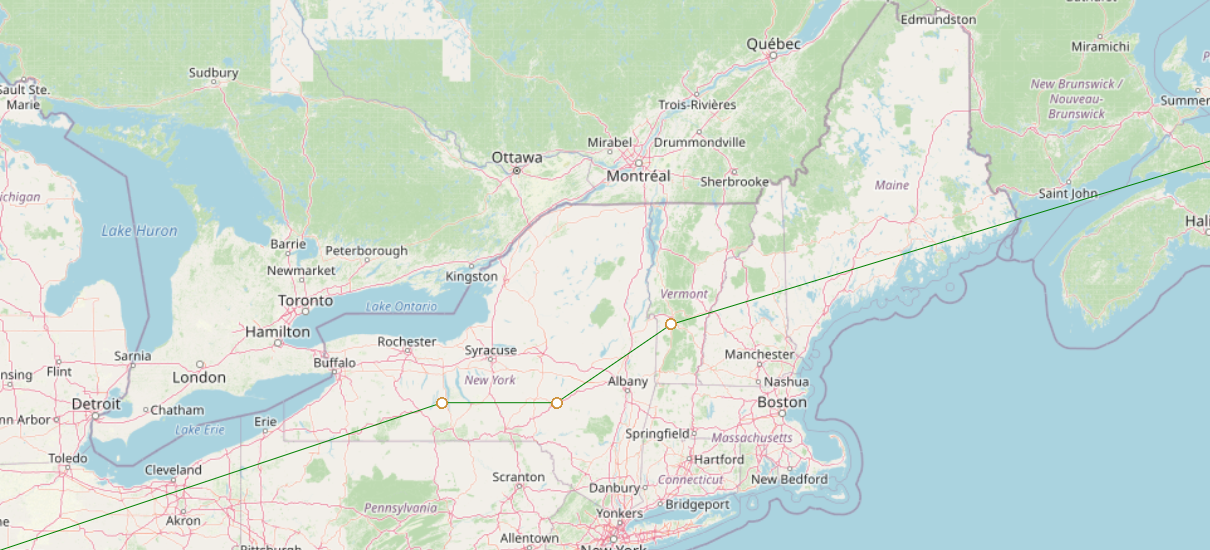
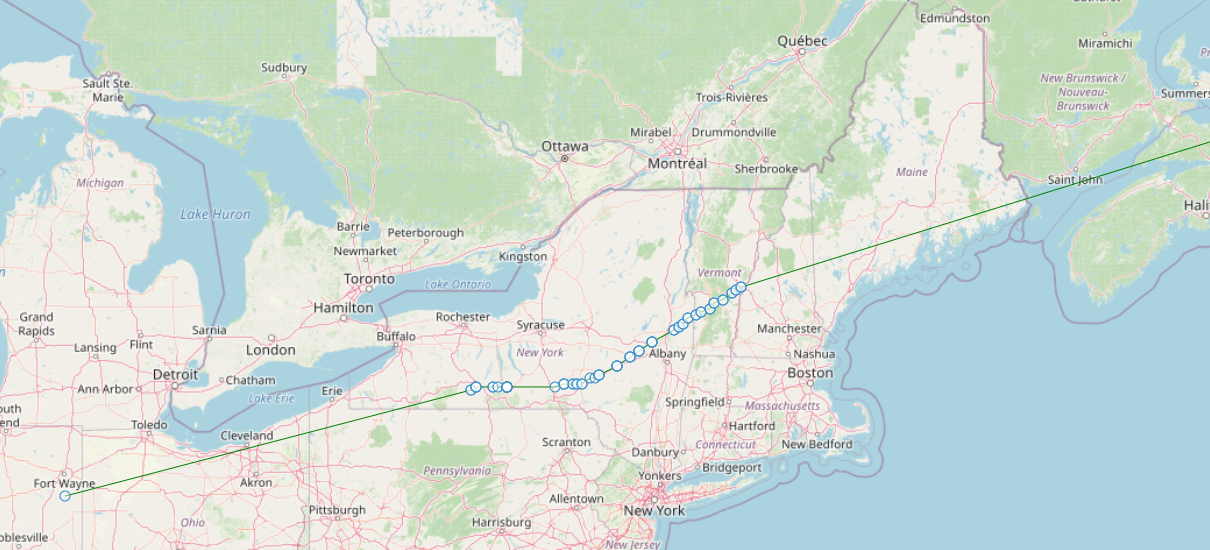
This is based on the request from John about his flight (pictured above, linked here) having long durations of missing data, and the lines connecting them making the path appear incorrect.

The logic for lines is just "connect the dots." When there are many missing data points, this can lead to the situation above.

Thanks.

Doug

ZackTek 6 char grids

This entry is based on a converted groups.io post, put here for any documentation value.

Hi, update.

ZackTek trackers, which can report 6-char grids in a single "regular" report, now show up on the map with 6-char precision (instead of the 4 char grid previously supported).

Before:

alt text

After:

alt text

As always, a channel-less flight search is one where you leave the Channel field blank on the spot search dashboard. This applies to any tracker, but this change allows the ZachTek-specific behavior to shine though, whereas I believe no other tracker does 6-char grid reporting.

alt text

An example ZachTek flight is here: https://traquito.github.io/search/spots/dashboard/?band=20m&channel=&callsign=KC9LGS%2F8&limit=2000&dtGte=2023-12-31&dtLte=2024-01-06

If anyone has prior flights from a ZachTek tracker, share some links, I'd be interested to see how they look!

Caveat -- there are some situations where wsprnet will force a 4-char grid (say, from another tracker that only reports 4) to become 6-char. See (this) link for more details. Basically this is unlikely to affect anyone but thought I'd mention it.

Thanks.

Doug